
LoRaWAN Manufacturer
MClimate on Datacake
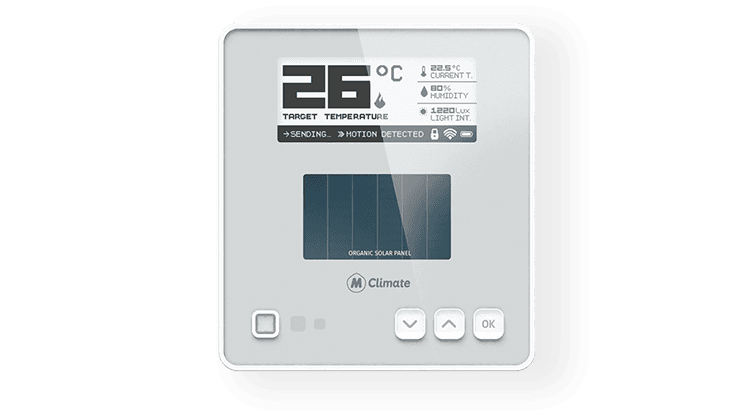
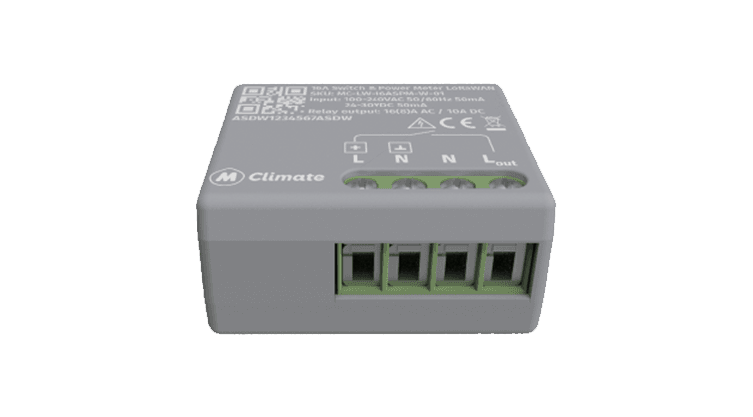
Datacake supports 9 MClimate LoRaWAN devices end-to-end: payload decoders, dashboards and downlink hooks are pre-configured so you go from join to live data in minutes.
- 9 ready-to-use MClimate templates on Datacake
- Payload decoders and dashboards pre-configured per device
- Runs on Datacake's free LoRaWAN Network Server: no per-gateway fees
- Stream uplinks out via HTTPS webhooks or MQTTS to your own systems
9
supported devices
6
sensor types covered
About MClimate
MClimate is a Bulgarian IoT company based in Sofia, founded in 2015 (originally as Melissa Climate). It is best known for Vicki, introduced in 2018 as the world's first smart LoRaWAN thermostatic radiator valve, alongside CO2 displays, climate and safety sensors and an enterprise building-management platform. MClimate focuses on retrofitting existing buildings for energy efficiency and healthier indoor environments.
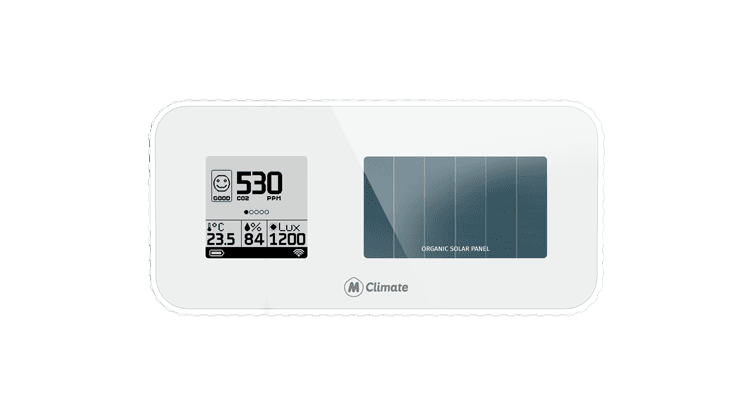
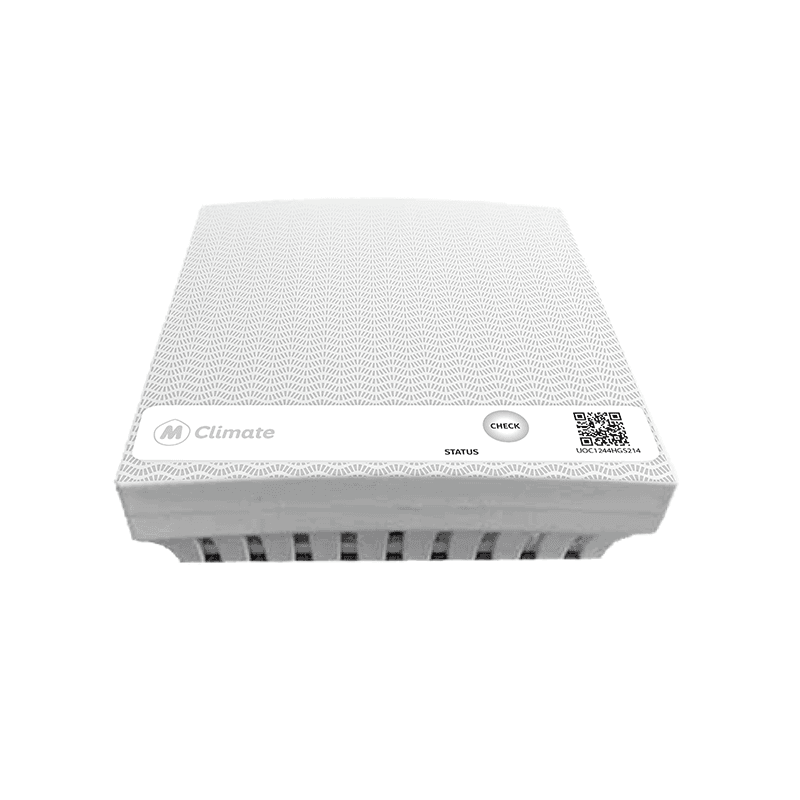
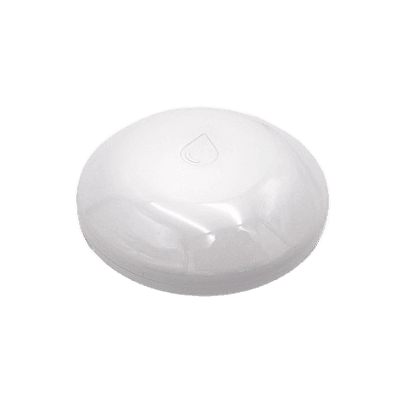
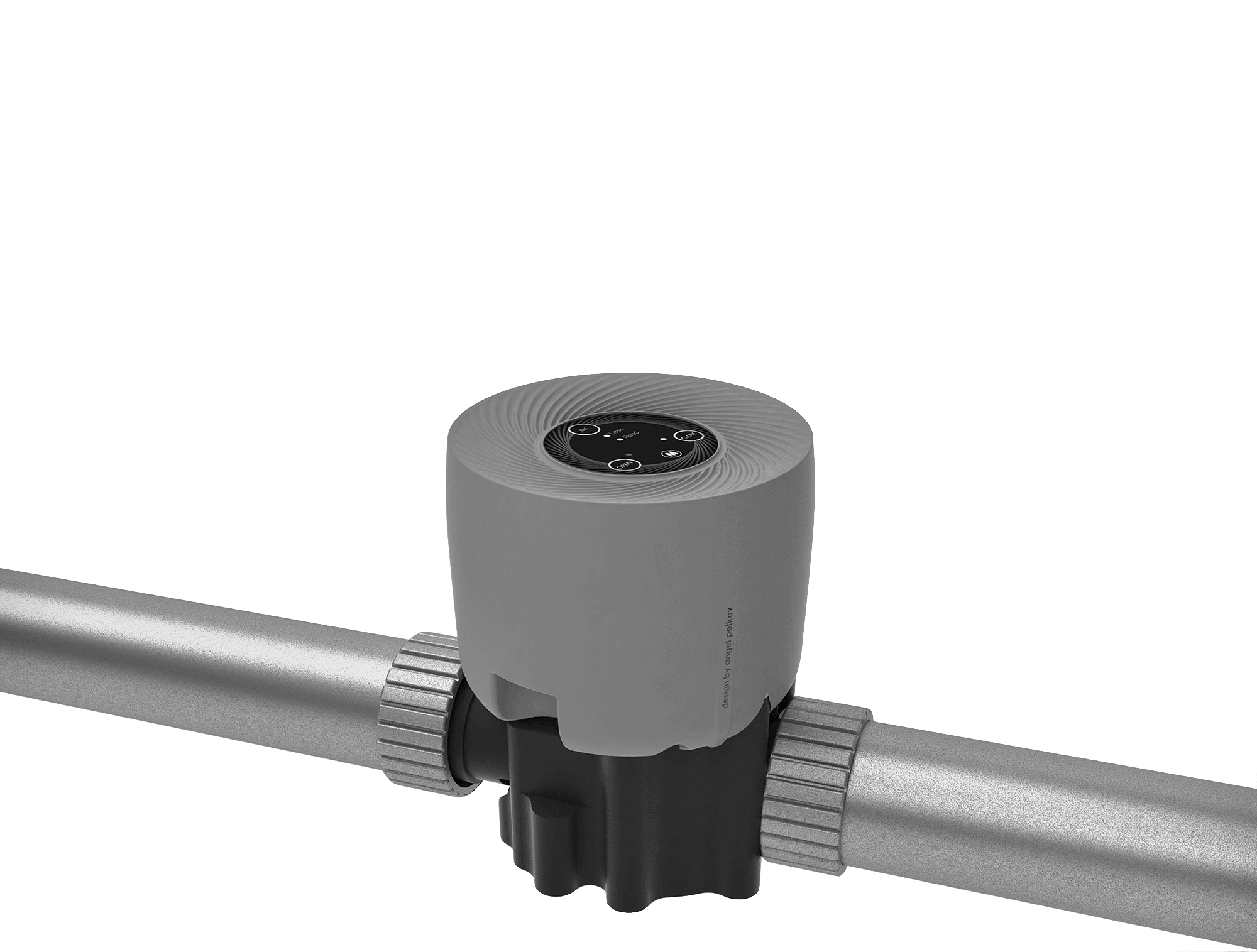
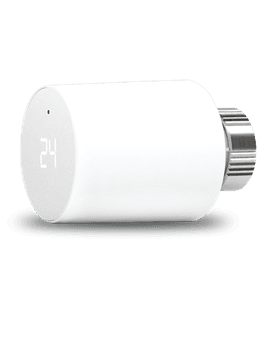
All MClimate LoRaWAN templates on Datacake
9 devices with payload decoders, dashboards and downlinks ready to use.
What teams build with MClimate sensors
LoRaWAN monitoring use cases that MClimate devices are a fit for — each ready to deploy on Datacake.
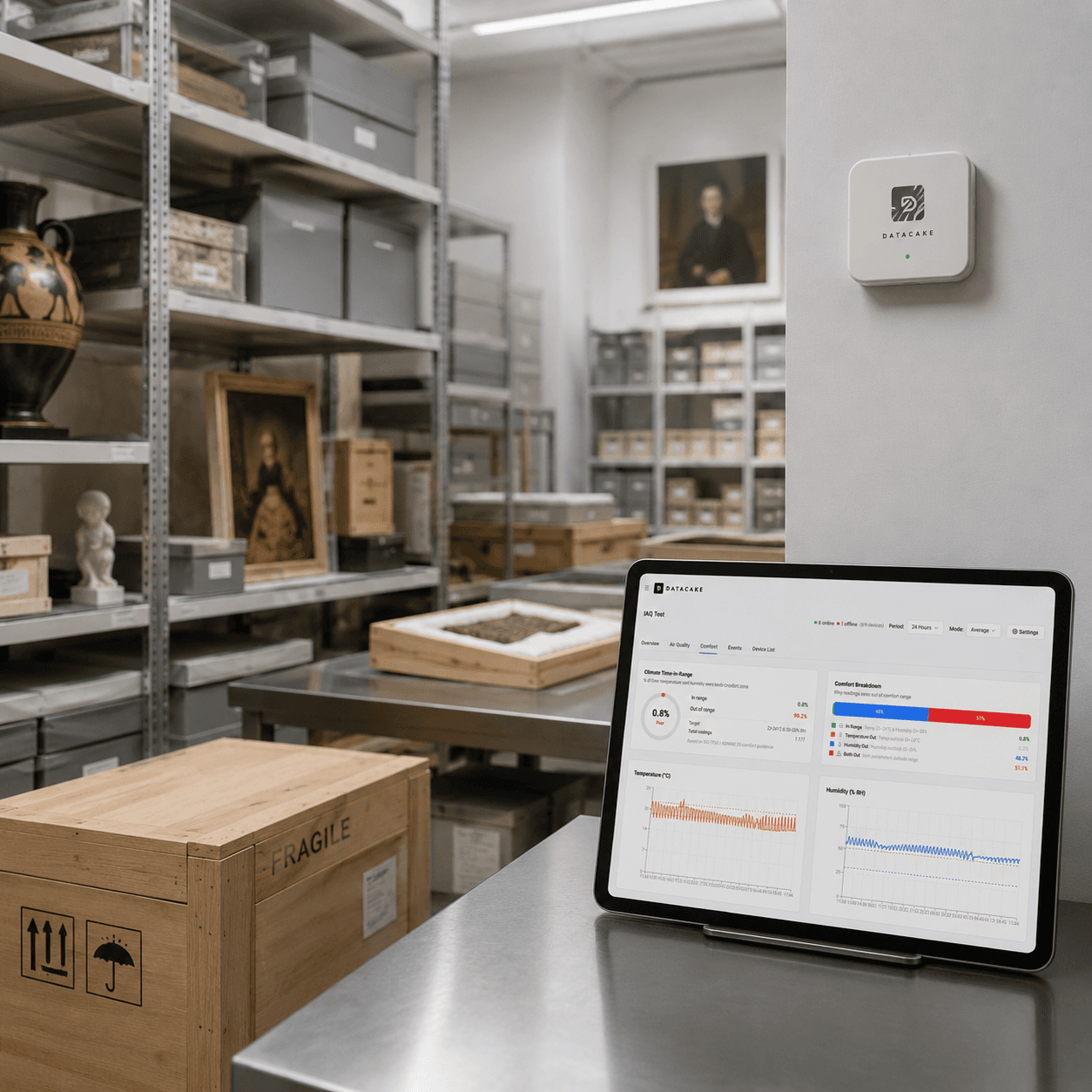
Temperature & Humidity Monitoring
Keep every room, shelf and cold chain in the right climate, from warehouses and production halls to offices and server rooms.
Explore use case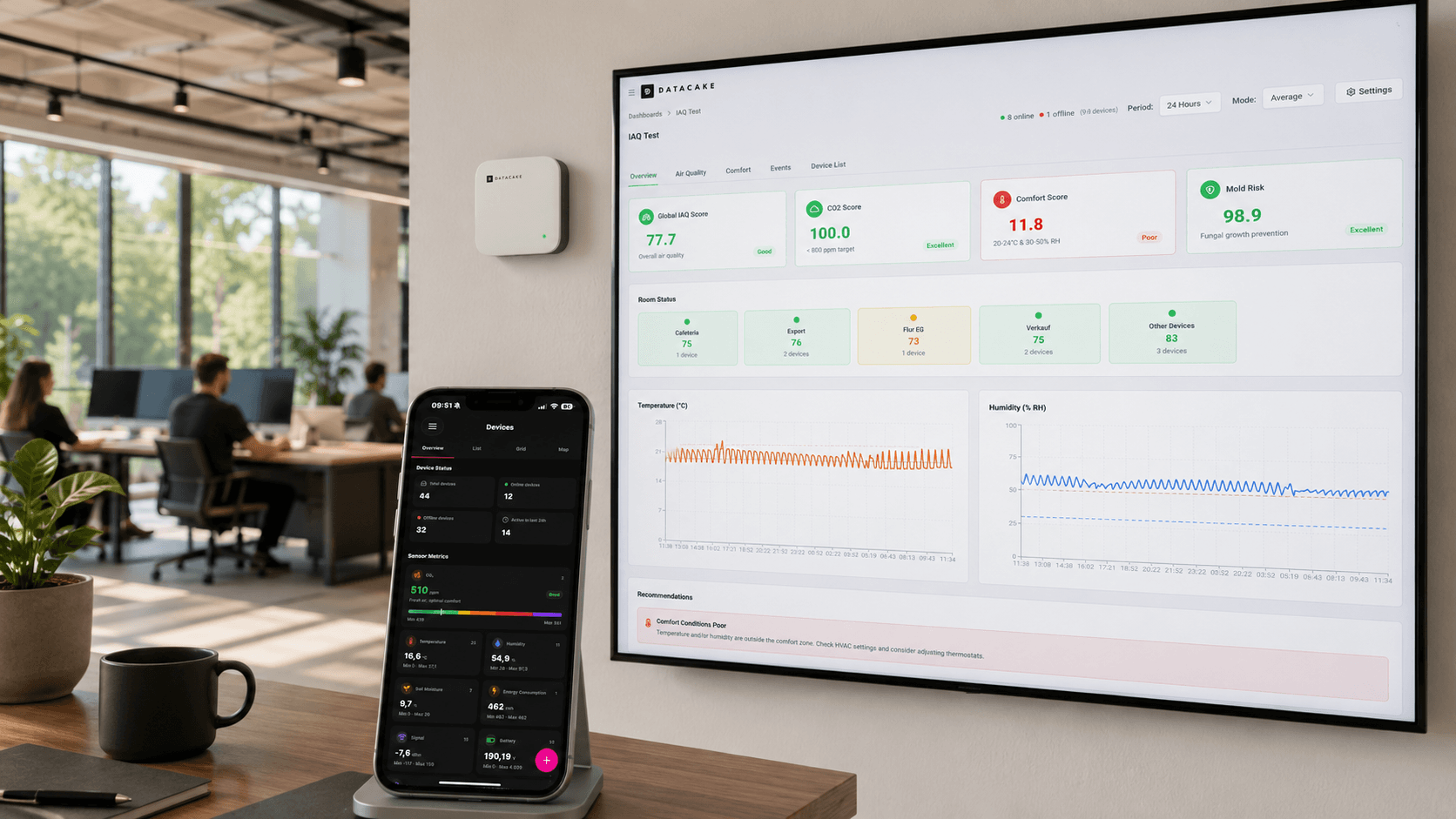
Indoor Air Quality Monitoring
Healthy air, measured: in every office, classroom and meeting room. CO2, VOCs and particulates on one live dashboard.
Explore use case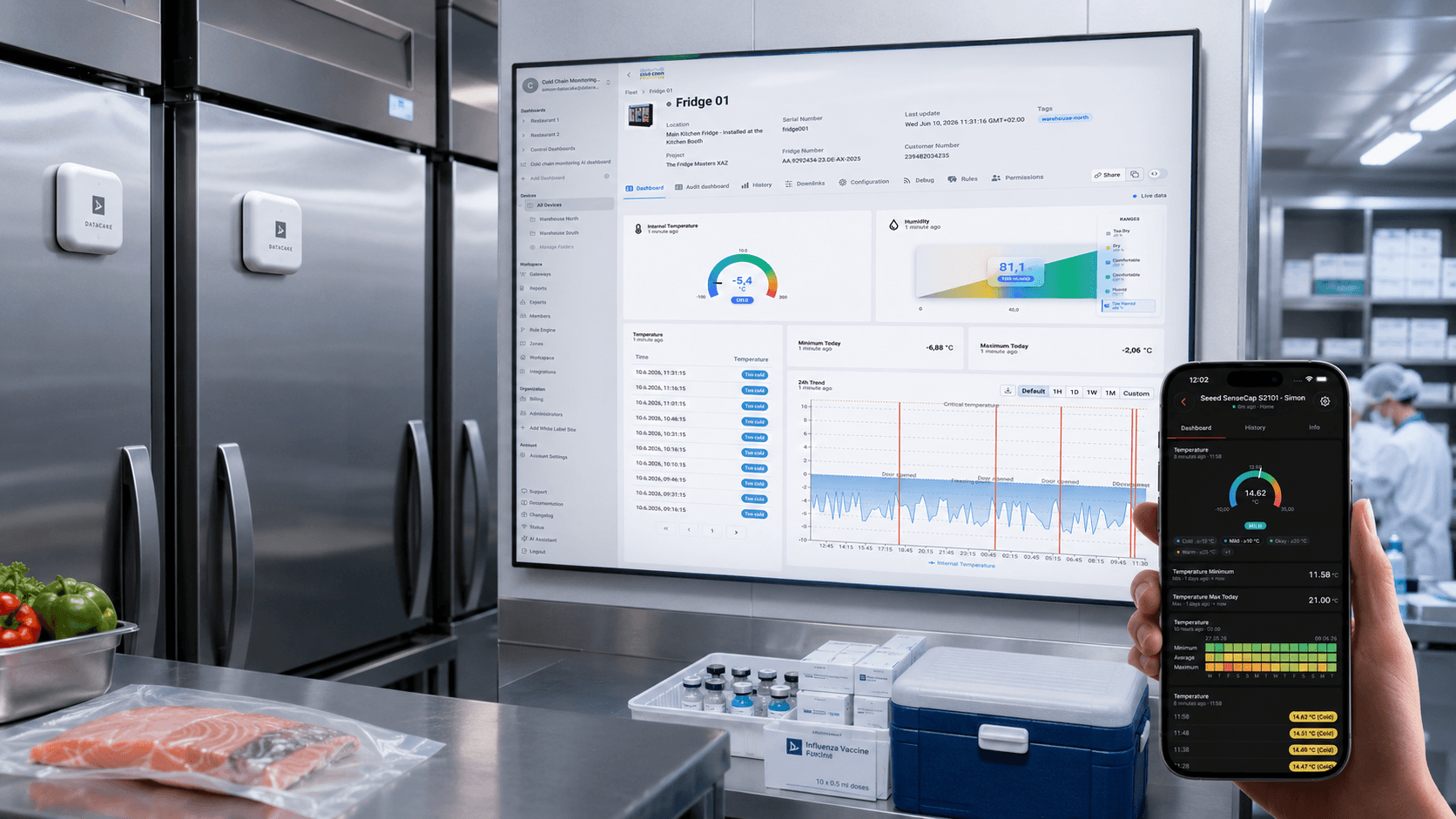
Cold Chain Monitoring
Every fridge, cooler and cold room: verified compliant, 24/7. Real-time alerts and audit-ready reports.
Explore use caseSensor types covered by MClimate
Browse Datacake's full catalog of LoRaWAN sensors in the categories MClimate ships hardware for.
Industries using MClimate sensors
MClimate LoRaWAN devices show up across these industries on Datacake. Explore industry-specific use cases and customer stories.
Museums & Archives
Protect irreplaceable artifacts: climate, humidity and air quality, continuously verified.
Explore industrySchools & Education
Healthy air, focused minds: CO2, humidity and temperature across every classroom.
Explore industryPharmacy & Healthcare
Temperature-controlled medicines, verified every minute, and audit-ready every quarter.
Explore industryCustomer stories with similar sensors
Real Datacake deployments built on the same sensor types MClimate hardware covers.
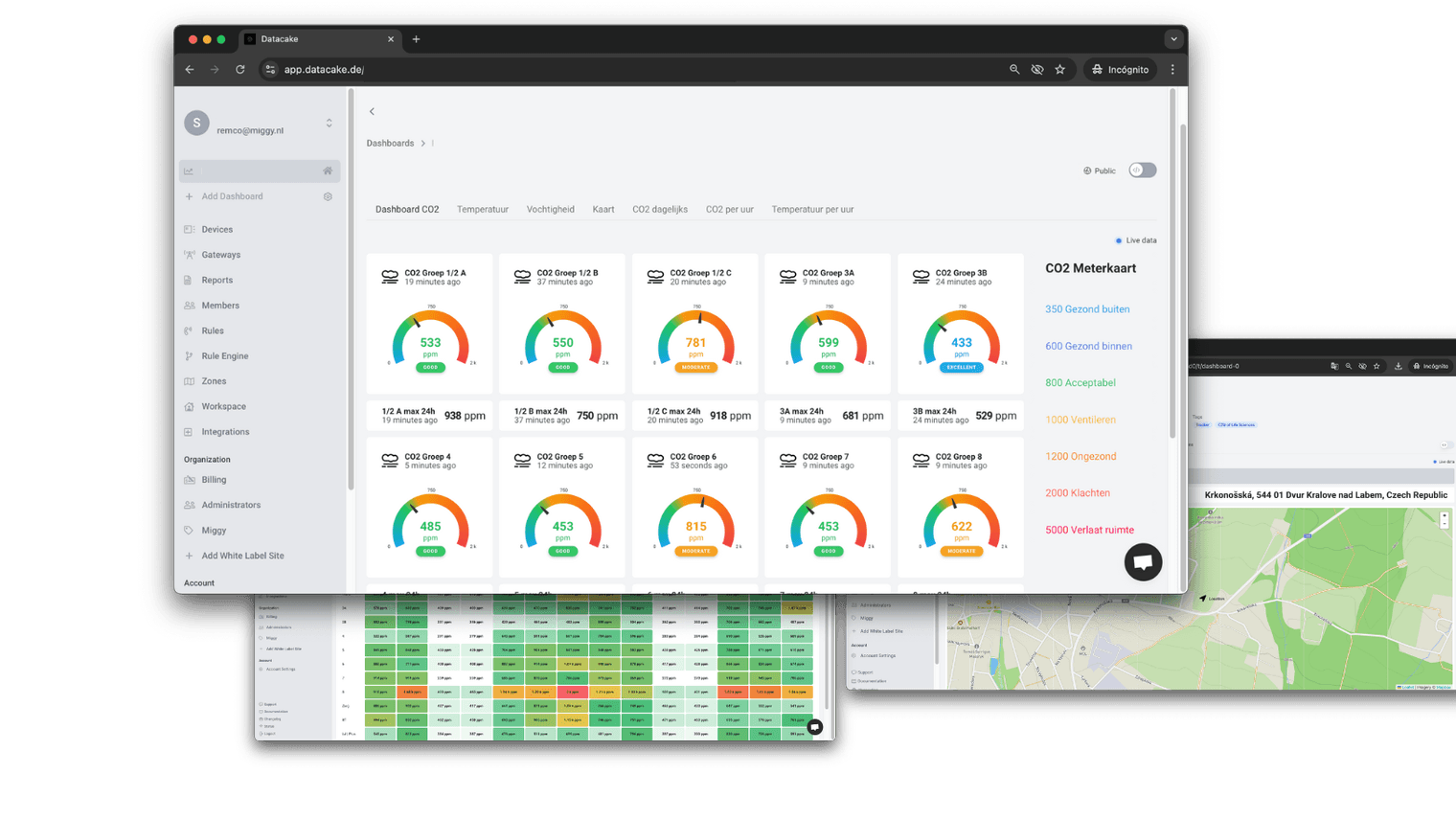

Plug-and-Play IoT at Scale with Miggy, Datacake, and KPN
In a fragmented IoT landscape, Miggy brings simplicity to SMBs by delivering plug-and-play solutions that just work. With reliable hardware and the Datacake platform, they bridge gaps between sensors, networks, and platforms, turning complexity into practical, scalable deployments.
Miggy
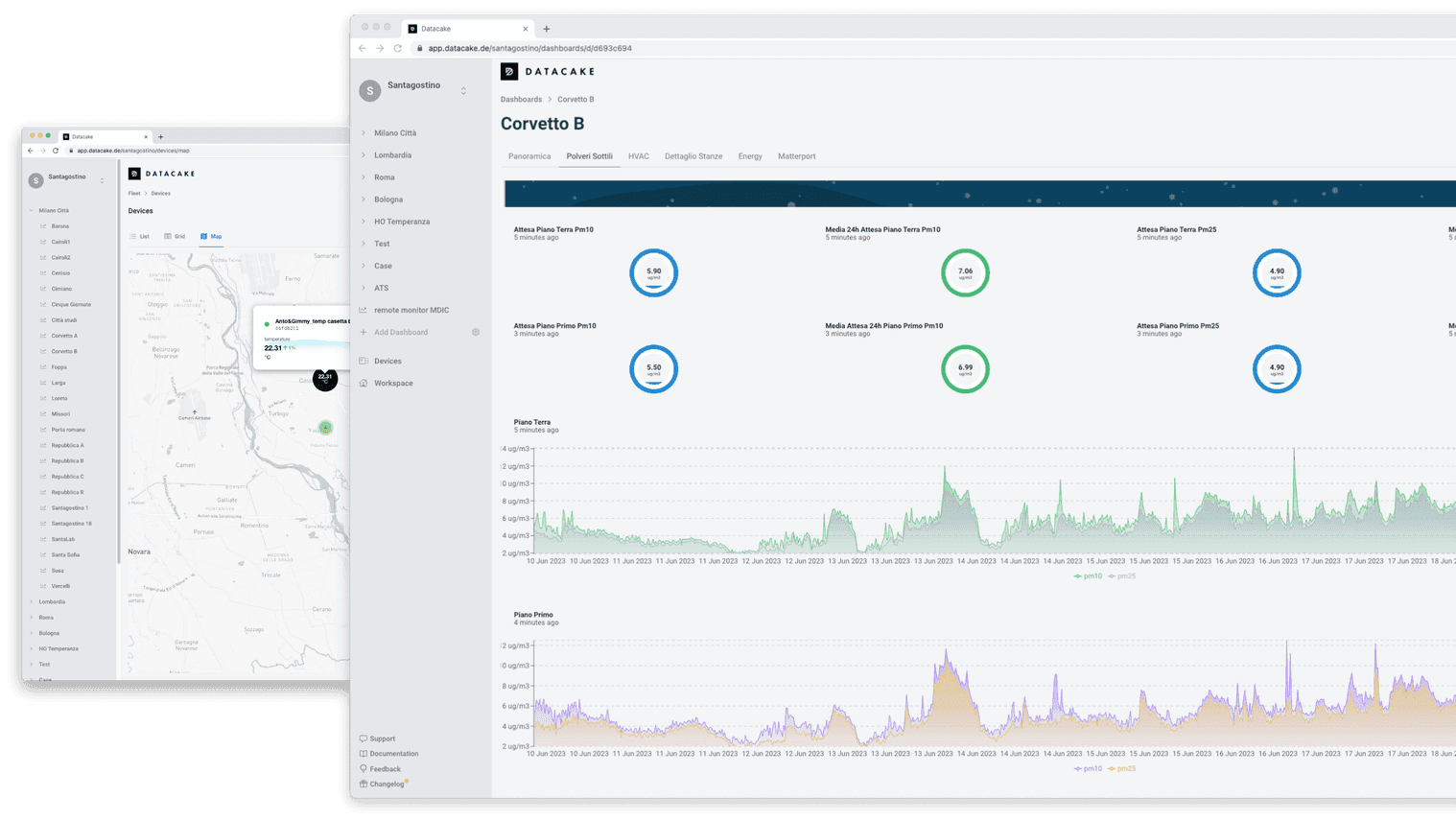

Santagostino Success Story
How Datacake IoT Platform Helped Santagostino Medical Clinics in Saving Almost 300k Euros from Cutting Energy Costs by 20%.
Santagostino

IoT Climate Monitoring of Europe's Largest Bat Colony
Using IoT and Datacake, this project monitors temperature and humidity to protect Europe's largest Serotine bat colony in a historic church.
St. Matthias Church
Ready to get started?
Create your free account and start monitoring temperature, humidity and air quality in minutes, or book a demo to see how Datacake fits your use case.
Get in touch
We typically reply within one business day.